
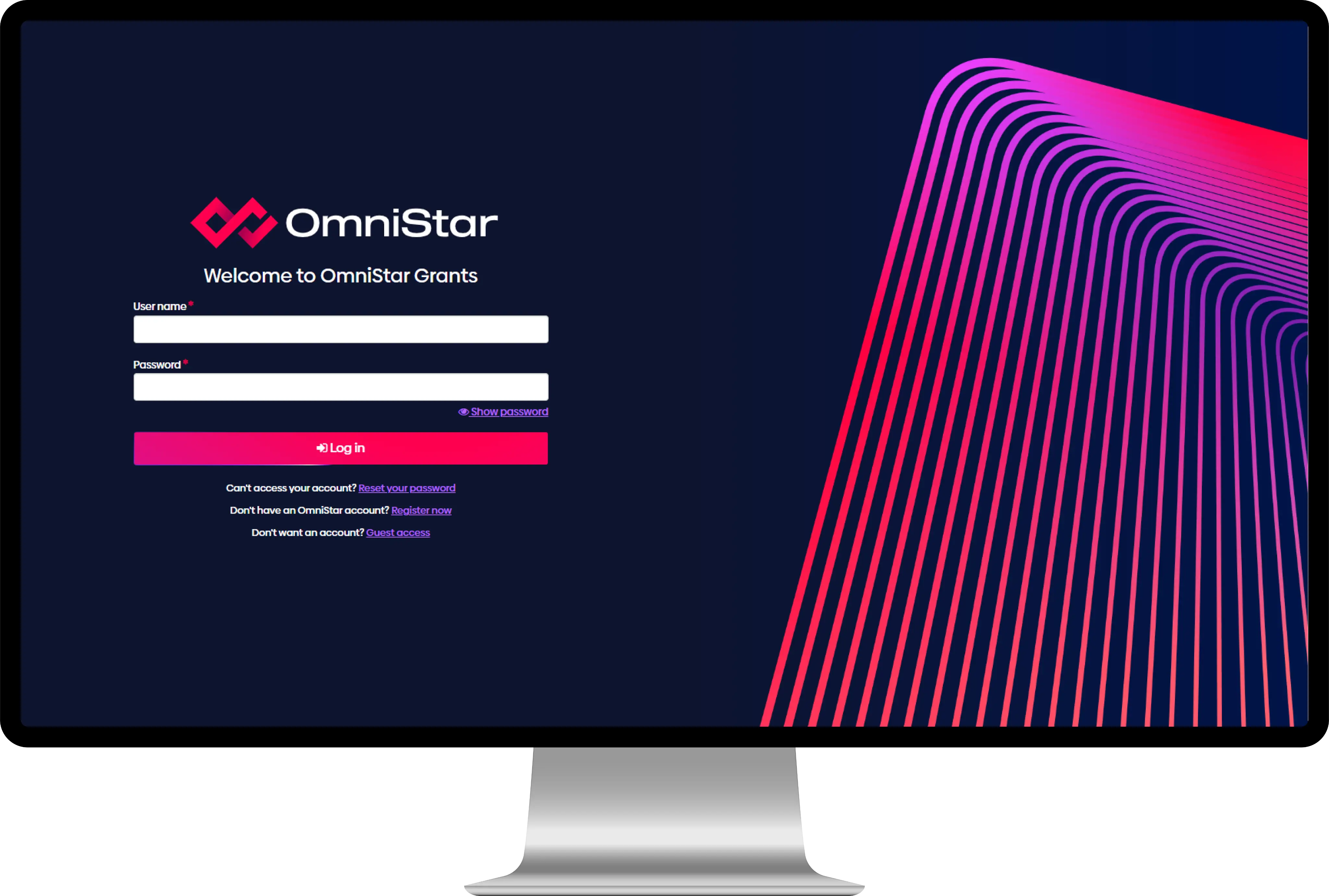

Never lose work again
OmniStar’s autosave feature helps you to create with confidence. Meet deadlines without worrying about timeouts, logouts or re-dos.
For your security you were signed out after 30 minutes of inactivity.


Highly configurable purpose-built grant management system


Streamlines and automates ethics and governance


Powerful research management that automates and simplifies
Our story
Declutter your grant management systems and make more room for that next big idea
Automate processes, simplify audits and optimise reporting, communication and analytics.
Make data-lead decisions with confidence
Inbuilt analytics help institutions collect performance metrics that inform evidence-based decisions, encourage strong compliance and governance, and support strategic planning and project management.
Applications by month
Applications by review pathway
Decided within 60 days by faculty 80% target
Ethics applications – drill down
Transform the entire lifecycle of research with one intelligent, integrated solution
Customisable, grant-specific workflows give institutions transparency, real-time data visualisation, milestone and project management and customisable, automated reporting options.
Cost calculator

Trusted by industry leading organisations










Case study
The University of Queensland
OmniStar has enabled the University of Queensland (UQ) to integrate their ethics management system with other UQ systems of record, reducing the time spent on data entry during the ethics application process and enabling data linkage across systems.

Experience the difference
Intelligent SmartForms
OmniStar’s SmartForms adapt to your needs across application forms, review forms, progress reports and final reports. Conditional logic, validation and data-driven functions guide users through submission, so you receive complete, usable responses the first time.
Pre-populated multistage processes
OmniStar carries information forward from one stage to the next, so applicants never retype what they’ve already told you. Each stage builds on the last, from initial submission through to final outcome.
Structured review and assessment
OmniStar manages the full assessment process, from eligibility checks through to panel review and outcome. Reviewers work in a purpose-built portal, scores and comments are captured against your criteria, and every decision is traceable back to who made it and why.
Visibility for applicants and administrators
OmniStar lets applicants log in and see exactly where their submission sits. Successful applicants can view their funding or approval details and track upcoming obligations, which means fewer status enquiries landing in your inbox.
Relationship management built in
OmniStar lets you classify individuals and organisations in ways that are meaningful to you, so you can quickly identify the right reviewer, the right contact or the right audience when you need them.
Central communication
OmniStar lets you schedule and send bulk emails and newsletters to applicants and stakeholders from one place, with every communication recorded against the right people and records.
Reporting and intelligence
OmniStar gives you a configurable dashboard, predefined and ad hoc reporting, and advanced search and filtering, so you can answer questions about your programs the moment they’re asked rather than waiting on a data request.
AI where it earns its place
OmniStar’s Omni AI helps applicants strengthen submissions before they arrive, helps reviewers spot inconsistencies and areas needing attention, and summarises documents for your team. Features are activated at your discretion, with privacy and accountability built into their design.
Compliance you can evidence
OmniStar keeps a full history and audit log across records, applications, reviews, contracts and projects. When auditors or oversight bodies ask how a decision was made, the answer is already documented.
Integration with your existing systems
OmniStar connects to your single sign-on provider, data warehouse, records management and finance systems, and its comprehensive API means data flows between systems instead of being rekeyed.
Security your auditors will recognise
OmniStar is IRAP assessed and independently penetration tested, and F1 Solutions is ISO 27001 certified. Your data is hosted in your own region, across five regions and growing, with 99.95% availability, meeting the expectations of government and institutional security teams.
Configuration, not customisation
OmniStar is built so your business rules, forms and workflows are configured in the product rather than coded around it. You get a system shaped to how you work, without carrying the cost and risk of bespoke code.

Onboarding journey
- Before we startAgreement
Contract signed and your project team assigned.
- Step 01Project initiation
We agree your key success factors, demonstrate OmniStar and explain the core product concepts.
- Step 02Change preparation
We design your future state with you, identify who is affected and bring them into the change early.
- Step 03Analysis
A business analyst works through your workflows and forms with you, so the build fits the way you work.
- Step 04Configuration build
We configure OmniStar to your future state and test it thoroughly.
- Step 05User acceptance testing
Your people test the configured system in a test environment, and we make any final adjustments.
- Step 06Training
Your users learn to make the most of the system, with additional training for administrators.
- Step 07Go-live
Your programs go live on OmniStar, with our team alongside you.
- From day oneAccount management
Technical support and a dedicated account manager from day one.
Read our resources
Grants management glossary
Plain-English definitions of the grants management terms used by Australian and UK funders, with the equivalent term in the other market where one exists.
Research administration software procurement checklist for universities & research institutes
Selecting research administration software is an enterprise decision involving research offices, IT, finance, procurement, ethics teams and researchers. A useful evaluation must move beyond feature counts to examine how well each platform supports institutional processes, integrations, governance and long-term ownership.
Government grant management software in Australia: A procurement checklist aligned with the CGRPs
OmniStar achieves AWS Partner Network status
OmniStar InsightsOmniStar has achieved AWS Partner Network (APN) status, positioning the platform as a trusted end-to-end grants, research and ethics management solution for institutions.
How modern research management platforms streamline research lifecycle
Research organisations face rising workflow complexity, yet many still rely on fragmented systems that limit efficiency and oversight. Modern research management platforms solve this by automating processes and enabling scalable, high-quality research operations.
Strengthening research ethics: Why institutions need modern governance systems
Organisations implementing comprehensive ethics and compliance management software report faster approvals, improved committee efficiency, and greater stakeholder confidence.
How to streamline research ethics approval
By streamlining research ethics approval through intelligent workflows and automated coordination, institutions maintain robust ethical standards whilst eliminating unnecessary delays.
OmniStar listed on SAP store
OmniStar InsightsOmniStar is now officially listed on the SAP Store and has achieved SAP PartnerEdge: Build partnership status. This certification validates OmniStar's capabilities for security, performance, governance, and compliance within institutional SAP environments.
Why grant management benefits matter: understanding why grants are important
Understanding why grant management is important helps organisations recognise how the right systems and approaches directly impact their ability to deliver funding efficiently and transparently.
Choosing the right grants management software can transform how your organisation handles funding applications, reviews, and ongoing project management.
Frequently asked questions
To get started with OmniStar, contact our team for a personalised demonstration and to discuss your organisation's specific needs.
Yes, OmniStar can be tailored to fit your specific processes. Our system is designed with flexibility in mind to accommodate a wide range of workflows and organisational needs.
OmniStar offers various extensibility and configuration options, including:
- Workflow: You can configure workflows to match your organisation's unique grant management processes, from application submission to award management and reporting.
- SmartForm Builder: Our advanced form builder allows you to create bespoke application forms with conditional logic, ensuring you collect exactly the information you need from applicants.
- Reporting and Analytics: Create customised reports and dashboards to track the metrics that matter most to your organisation.
- User Roles and Permissions: Define custom user roles and permissions to align with your organisational structure and security requirements.
- Integration Capabilities: OmniStar can be integrated with your existing systems through our API, allowing for seamless data flow across your technology ecosystem.
- User-defined Fields: Create custom fields to capture specific data points unique to your organisation's needs. These fields can be used in forms, reports, and workflows, ensuring you have all the necessary information at your fingertips.
- Branding: Customise the look and feel of OmniStar to match your organisation's branding.
Our implementation team works closely with you to understand your unique processes and configure OmniStar accordingly. This may involve setting up specific user roles, creating fields, designing tailored workflows, and configuring reports to match your organisation's requirements.
For organisations with highly specialised needs, we also offer professional services to develop bespoke features or integrations that may not be available out-of-the-box.
Yes, OmniStar provides comprehensive customer support to ensure you get the most out of your system. Our dedicated support team is available via email and telephone during business hours to assist with any queries or issues you may encounter. We also offer extended support hours and a dedicated account manager to provide personalised assistance. We also maintain an extensive online knowledge base with videos and tutorials to help users maximise their use of OmniStar.
OmniStar is a completely cloud-based SaaS, which means you can access it on any device, and at any time and on any browser.
Yes, OmniStar has in-built compliance features designed to help organisations meet regulatory requirements and industry standards. Our system includes several key compliance-oriented functionalities:
- Audit Trails: OmniStar automatically logs all user actions, providing a comprehensive audit trail that can be critical for regulatory compliance and internal governance.
- Configurable Approval Workflows: These ensure that all necessary checks and balances are in place before grant applications or awards proceed to the next stage.
- Data Protection Measures: In line with data protection regulations like GDPR, OmniStar incorporates robust data security measures, including encryption and access controls.
- Customisable Reporting: Generate compliance reports quickly and easily to meet the requirements of various regulatory bodies.
- Role-based Access Control: This feature ensures that users only have access to the information and functions necessary for their role, supporting the principle of least privilege.
- Document Version Control: Maintain accurate records of all document versions, which is crucial for compliance in many regulatory frameworks.
- Configurable Compliance Checklists: These can be tailored to your specific regulatory environment, ensuring all necessary compliance steps are followed.
OmniStar is compliant with a number of industry standards including: ISO 27001, GDPR (General Data Protection Regulation), IRAP (Information Security Registered Assessors Program), WCAG (Web Content Accessibility Guidelines).
Collaboration is a key aspect of grants, ethics and research and is supported via a variety of functions in the platform. These include:
- The ability to share applications and forms with other users with different permission levels
- The ability to add comments within the forms
- The ability to add comments to records with public and private visibility
- The ability to share documents with other users on various records
Yes. All communication sent through OmniStar is stored and logged within the platform. Functionality exists to be able to record emails sent externally from OmniStar against corresponding records automatically, so a single source of truth is maintained.
Yes, OmniStar supports over 80 different file formats being stored within the platform. These include Microsoft Office formats (Word, Excel, PowerPoint, Project, etc), image formats (PNG, JPG, etc.), video and audio formats (MP3/4, FLV, AVI, MPEG, etc), zip files, geographic information system formats, and other formats such as XML.
Yes, a range of methods exists to categorise records in the platform which include lookup lists (Classifications), tags, structured data, additional fields and categories to name a few. All these can be defined and managed by the end-user.
OmniStar provides various batch or bulk update capabilities. This is present in various parts of the system on commonly access record types, e.g. Contacts, Applications and Projects. This capability is extended through a bulk create and update capability through a data migration spreadsheet import function.
Yes, please refer to the FAQ “How does your system support collaboration?”
OmniStar has an advanced dashboard, visualisation and reporting capabilities that can be as complex or as simple as you need it to be. We have reporting bundles to suit a wide variety of needs, all come with dashboards for quick real-time access to your data.
Yes. OmniStar is backed by a sophisticated data warehouse as standard. This platform provides the ability for advanced analytics to be produced to suit a wide range of use cases.
Absolutely. Dashboard, visualisation, and reporting tools all come as standard as a part of the OmniStar platform. This includes several predefined dashboards and reports to get you started. Comprehensive documentation and training exist to help you get the most out of the ad-hoc dashboard and reporting designers.
With the purchasing of the OmniStar Enterprise Reporting Connector, you are able to use your favourite reporting and visualisation tools, such as PowerBI to directly access the OmniStar data warehouse.
Certainly. OmniStar is designed with integration capabilities in mind, allowing it to work seamlessly with a variety of other systems commonly used. We have a large number of Out-of-the-Box (OOTB) integrations. We also have a robust API that enables connections with financial systems, CRM platforms, HRIS software, and other applications.
We've successfully integrated OmniStar with popular platforms such as PeopleSoft and SAP. Our team can work with you to develop custom integrations tailored to your specific needs, ensuring a smooth flow of data across your entire technology ecosystem.
Using API’s, OmniStar can integrate into any financial software your organisation or agency may use. OmniStar has been successfully integrated with financial systems such as FinanceOne, MYOB, QuickBooks and SAP to name a few.
Ready to book a demo?
Book with us today and unlock the power of OmniStar.
